Member AV Repository
Audio and Visual Presentations from NILRC Member Institutions
This is a summary block- it shows the blog thumbnail, title, date posted, and category in the preview. This is the same way that the main page news blocks are set up. It can be set so the thumbnail is a direct link to the source video on Youtube (not turned on in these examples). The title, however, is a direct link to the video and that can’t be changed. “Read More” opens the full blog entry with more descriptive notes that the WCC team selected. There are various displays for summary blocks; see below.
This is a summary block in list style. You can set any number of blocks here. This is set up for 2.
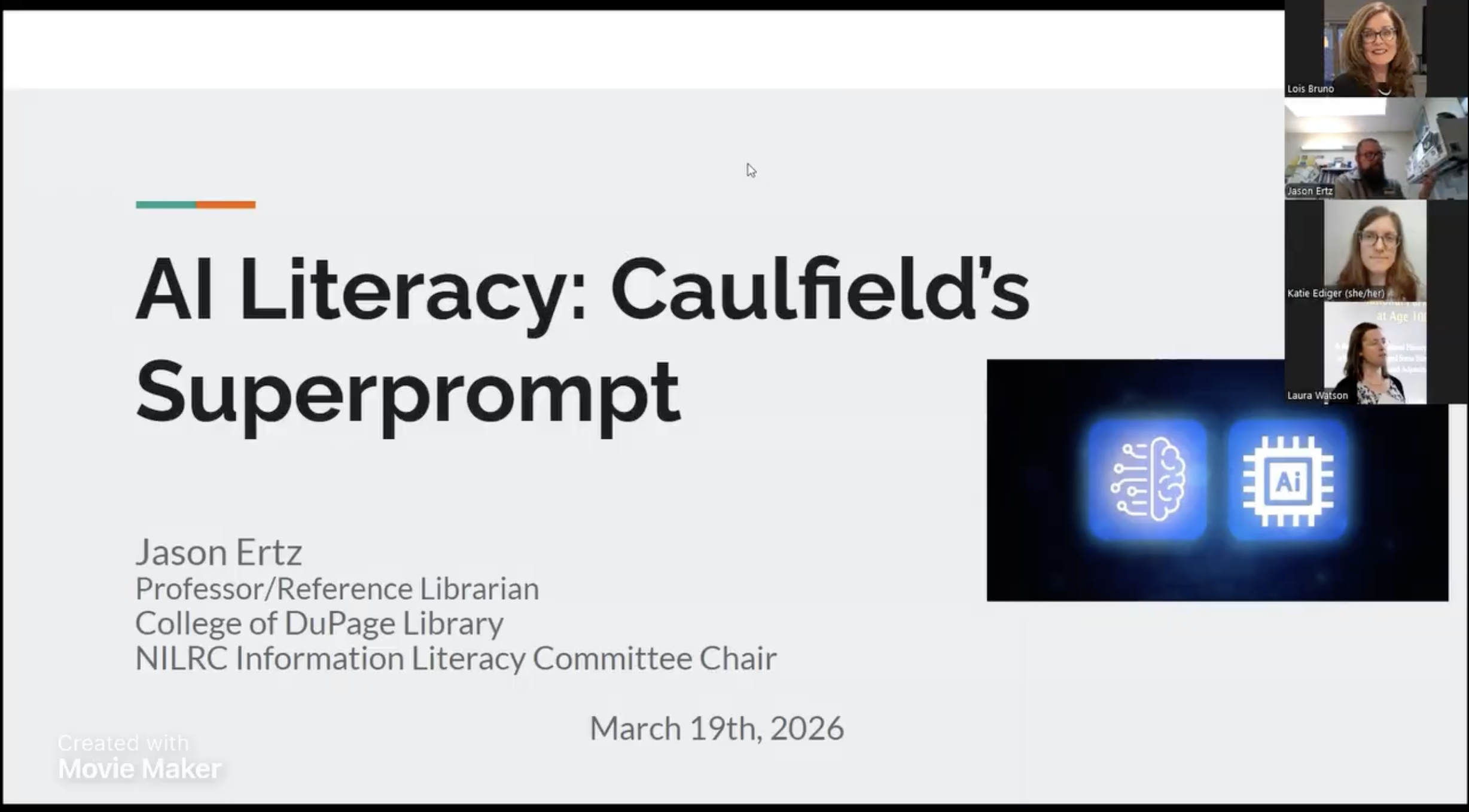
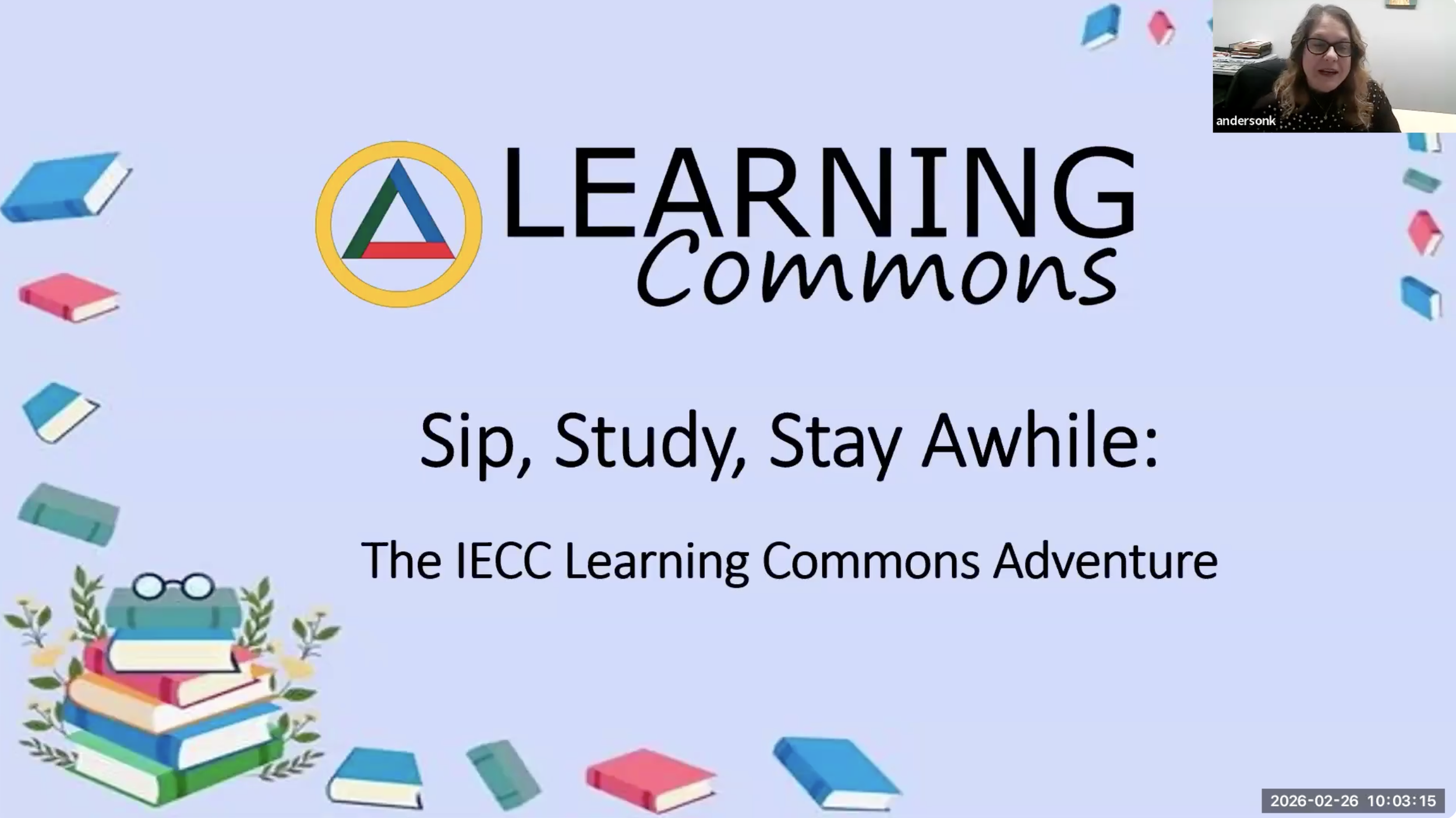
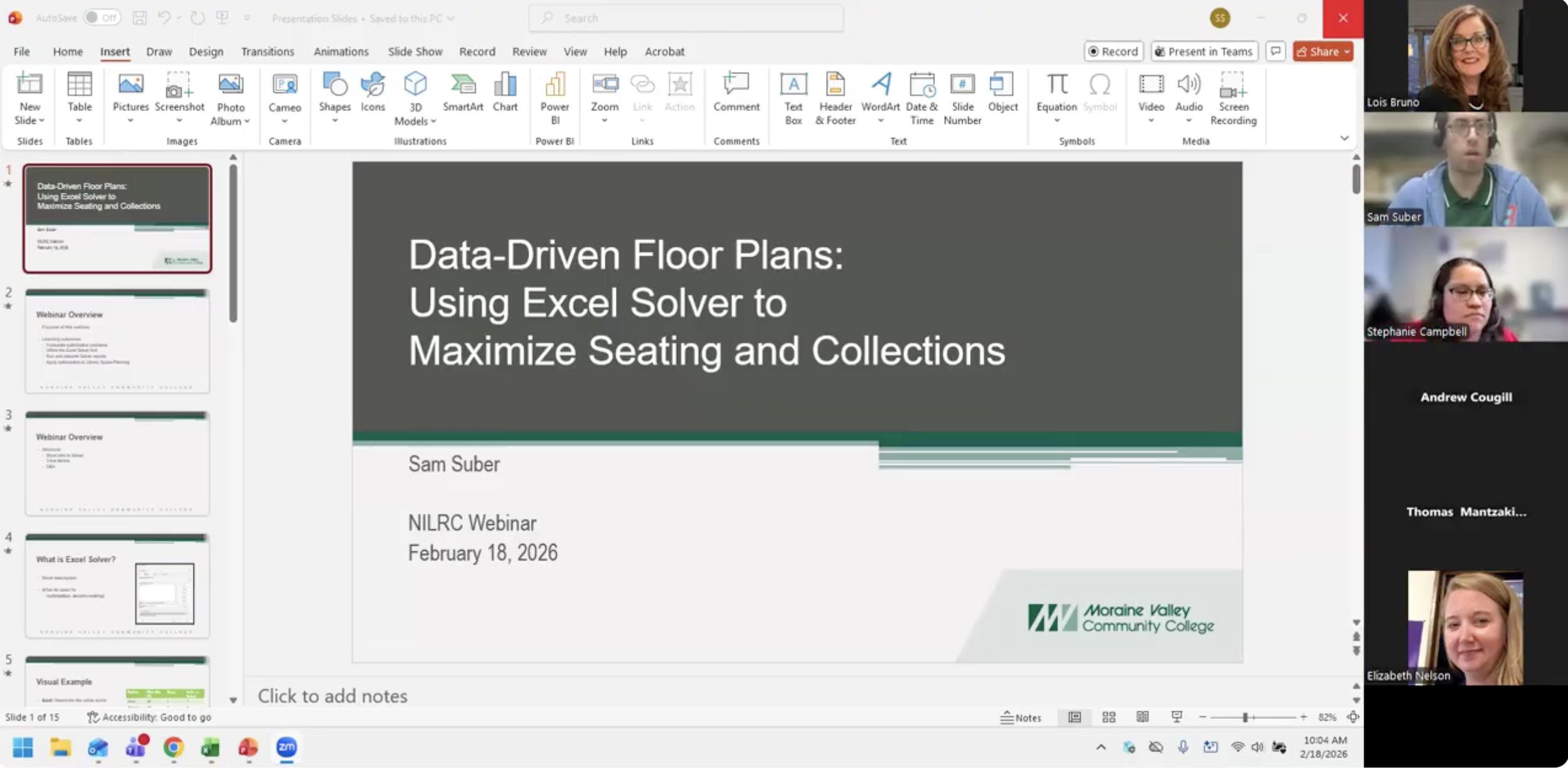
This is a summary block in wall style. You can set any number of blocks here. This is what it looks like with 3.
This is a summary block in carousel style. To move on to the older presentation. You have to click the arrow in the upper right. You can set any number of blocks here. This is what it looks like with 1.
This is an archive block. It will list all the items in the blog based on date posted. This is the same way the list of member institutions is/was set up behind the member portal. There is no way to add a thumbnail to an archive display block. Clicking on the title of the webinar brings up the blog post for that item directly instead of linking directly to the video. This is nice if you have a ton of links to add and want all of them displayed, similar to the meeting minutes page.
-
April 2026
- Apr 24, 2026 AI Literacy: Caulfield’s Superprompt Apr 24, 2026
-
February 2026
- Feb 26, 2026 Learning Commons - Sip, Study, Stay Awhile Feb 26, 2026
- Feb 18, 2026 Data Driven Floorplans Feb 18, 2026
-
October 2025
- Oct 29, 2025 Engaging Beyond the Library Walls: Serving Dual Credit Students Oct 29, 2025
-
September 2025
- Sep 19, 2025 NILRC 101 Sep 19, 2025
-
May 2025
- May 7, 2025 Inventory Do's and Don't: What We've Learned Through Planning It and Running It May 7, 2025
-
April 2025
- Apr 10, 2025 Uncommon Collections Apr 10, 2025
-
March 2025
- Mar 11, 2025 Dumpster Diving for Information: Weeding through AI Trash in Search Engines Mar 11, 2025
-
November 2024
- Nov 24, 2024 Digitization Basics: How to Work Outside Alma's Parameters to Simplify the Process Nov 24, 2024
- October 2024
-
April 2024
- Apr 30, 2024 Library Collection Diversity Audits Apr 30, 2024
- Apr 2, 2024 Wearing Two Hats : one library's expanded role on campus providing support for a virtual bookstore Apr 2, 2024
-
February 2024
- Feb 27, 2024 Neurodiversity in Libraries Feb 27, 2024
-
November 2023
- Nov 1, 2023 Springsharing is Caring Nov 1, 2023
-
October 2023
- Oct 31, 2023 Copyright: Fair Use? It Depends… Oct 31, 2023
- Oct 10, 2023 Generative AI Deep Dive Implications, Ethics & the Future of Librarianship Oct 10, 2023
-
September 2023
- Sep 21, 2023 What is ChatGPT and Why Should I Care? Sep 21, 2023
-
April 2023
- Apr 4, 2023 Enhancing Information Literacy Awareness Through Algorithmic Awareness Apr 4, 2023
-
February 2023
- Feb 7, 2023 Misinformation Disinformation Feb 7, 2023
-
November 2022
- Nov 16, 2022 Healthy Holiday: Prioritizing Health Habits With Changing Schedules Nov 16, 2022
-
October 2022
- Oct 18, 2022 Missing Voices: The Importance of Publishing From The Community College Library Viewpoint Oct 18, 2022
-
September 2022
- Sep 1, 2022 Marketing Your Community College Library Sep 1, 2022
-
May 2022
- May 10, 2022 Evaluating Information Now:New and Different Techniques and Practices in a Changing World May 10, 2022
-
April 2022
- Apr 12, 2022 When Life Gives You Lemons, Bake a Cake Apr 12, 2022
- Apr 1, 2022 Supporting Student Success Through Tech Lending Apr 1, 2022
- Apr 1, 2022 Plugging Into Canvas Apr 1, 2022
-
March 2022
- Mar 1, 2022 Using Overdrive to Enhance Physical and Digital Displays Mar 1, 2022
-
December 2021
- Dec 7, 2021 Introduction to MarcEdit Dec 7, 2021
-
November 2021
- Nov 10, 2021 Library Outreach During COVID-19 Nov 10, 2021
-
October 2021
- Oct 21, 2021 Mental Health Awareness-Get to know NAMI Oct 21, 2021
-
May 2021
- May 11, 2021 Data Forecasting – An Introduction May 11, 2021
-
April 2021
- Apr 8, 2021 Empowering Students Against Disinformation Apr 8, 2021
-
March 2021
- Mar 23, 2021 Data Storytelling Concepts and Strategies Mar 23, 2021
-
November 2020
- Nov 20, 2020 Pivot Tables: Establishing Relationships – Part Three Nov 20, 2020
-
October 2020
- Oct 28, 2020 Equity, Diversity and Inclusion Oct 28, 2020
- Oct 1, 2020 Source Evaluation in an Online Environment: The Pandemic and Election Edition Oct 1, 2020
-
March 2020
- Mar 3, 2020 Archive Management Mar 3, 2020
-
February 2020
- Feb 28, 2020 Pivot Tables: Making Connections Feb 28, 2020
- Feb 18, 2020 Instructing Outliers: Teaching Information Literacy in STEM and Health Fields Feb 18, 2020
-
January 2020
- Jan 31, 2020 Pivot Tables: An Introduction Jan 31, 2020
-
November 2019
- Nov 20, 2019 Sifting Through The CRAAP: Tools To Teach the Evaluation of Resources Nov 20, 2019
- April 2019
-
March 2019
- Mar 6, 2019 Data Driven, Data Informed: Using Data to Improve Library Mar 6, 2019
- Mar 6, 2019 Data Analytics Mar 6, 2019
-
November 2018
- Nov 29, 2018 Can I Use That? Finding Multimedia Online Nov 29, 2018
-
April 2018
- Apr 23, 2018 Libraries Aren't Neutral: Teaching Information Literacy through a Critical Librarianship Lens Apr 23, 2018
Finally, this is what the blog page looks like if you link to the URL directly: https://www.nilrc.org/av-repository.
If you link to the blog page directly, each entry would move down when a new one is posted so the newest is on top. You can click on the keyword to jump to all posts about that keyword in a temp sorting page (in this example the keyword is spaces).
This is similar to what the vendor pages looks like, so if it is placed in a menu with the names of each post, it needs to show one “featured” blog post at the top (with info about what the AV page is) and then every blog post below it under a chosen organization method like date published or alphabetical, etc.